
Free and open source
Clear meeting notes. Yours to keep.
Turn conversations into transcripts, summaries and answers you can find later. Keep your notes on your computer. Choose local AI on Mac or connect your own cloud API keys.
macOS 14.2+ · Apple Silicon or Intel · Windows x64 uses your cloud API keys
No Typr subscription. Local models need an initial download. Cloud providers may charge for usage.
From messy notes
To complete meeting summaries
From messy notes
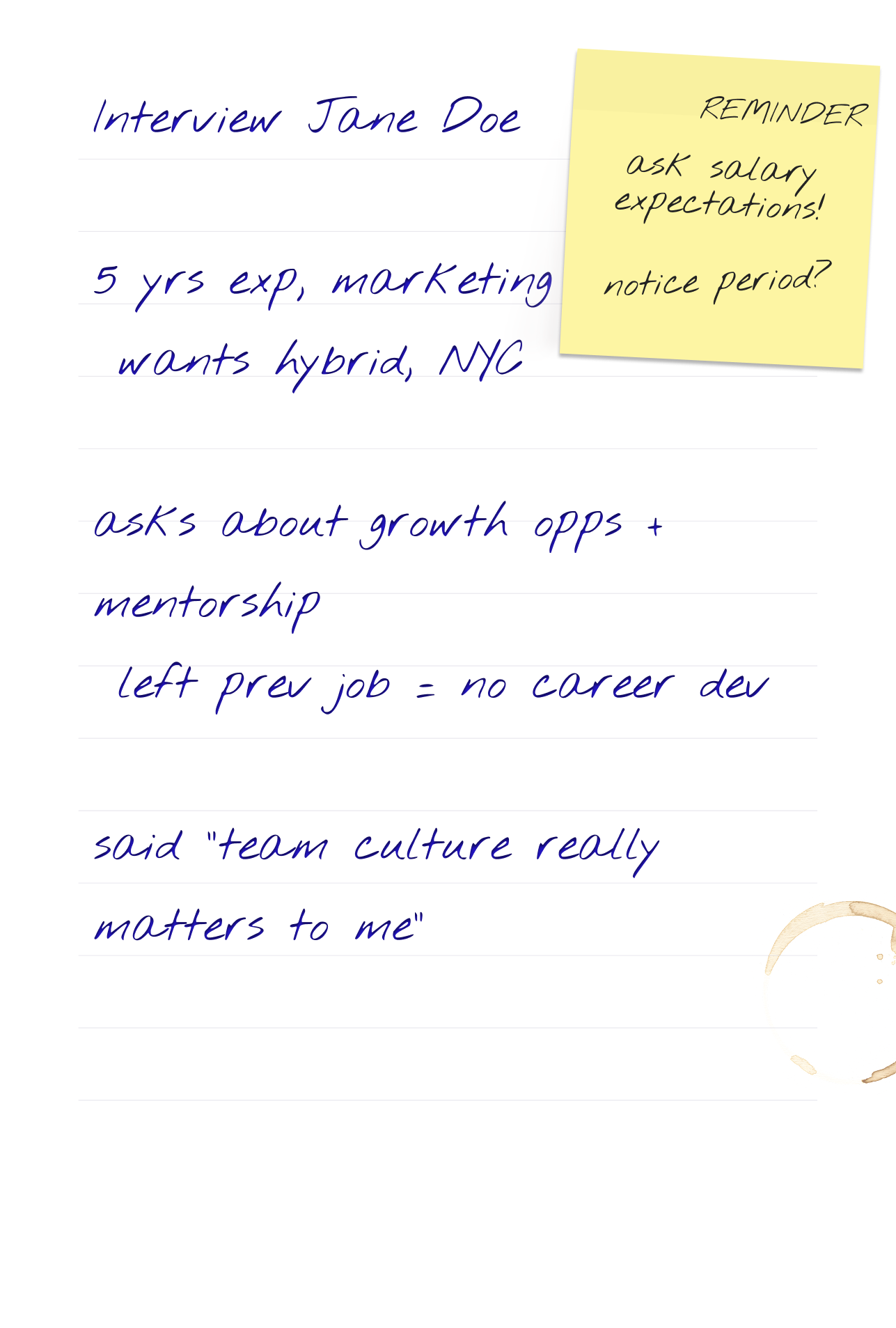


To complete meeting summaries
Interview: Jane Doe
From conversation to useful follow-up
Typr is built for the work after the meeting: a clean transcript, the important points, and a way to find what mattered later.
Transcribe without friction
Transcribe live meetings from your device, or bring in saved audio when the conversation already happened.
Finance approved the revised Q3 hiring envelope.
Great. I will send the final budget table before Friday.
Then we can revisit contractor spend after the next forecast.
Get notes people can use
Turn the transcript into concise summaries, action items, and structured notes for interviews, client calls, and internal syncs.
Find the decision later
Search and ask your notes when you need the budget decision, the owner, or the exact follow-up from a past meeting.
Finance approved the revised Q3 budget. Maya owns the final table and said she would send it before Friday.
Everything you need after the conversation
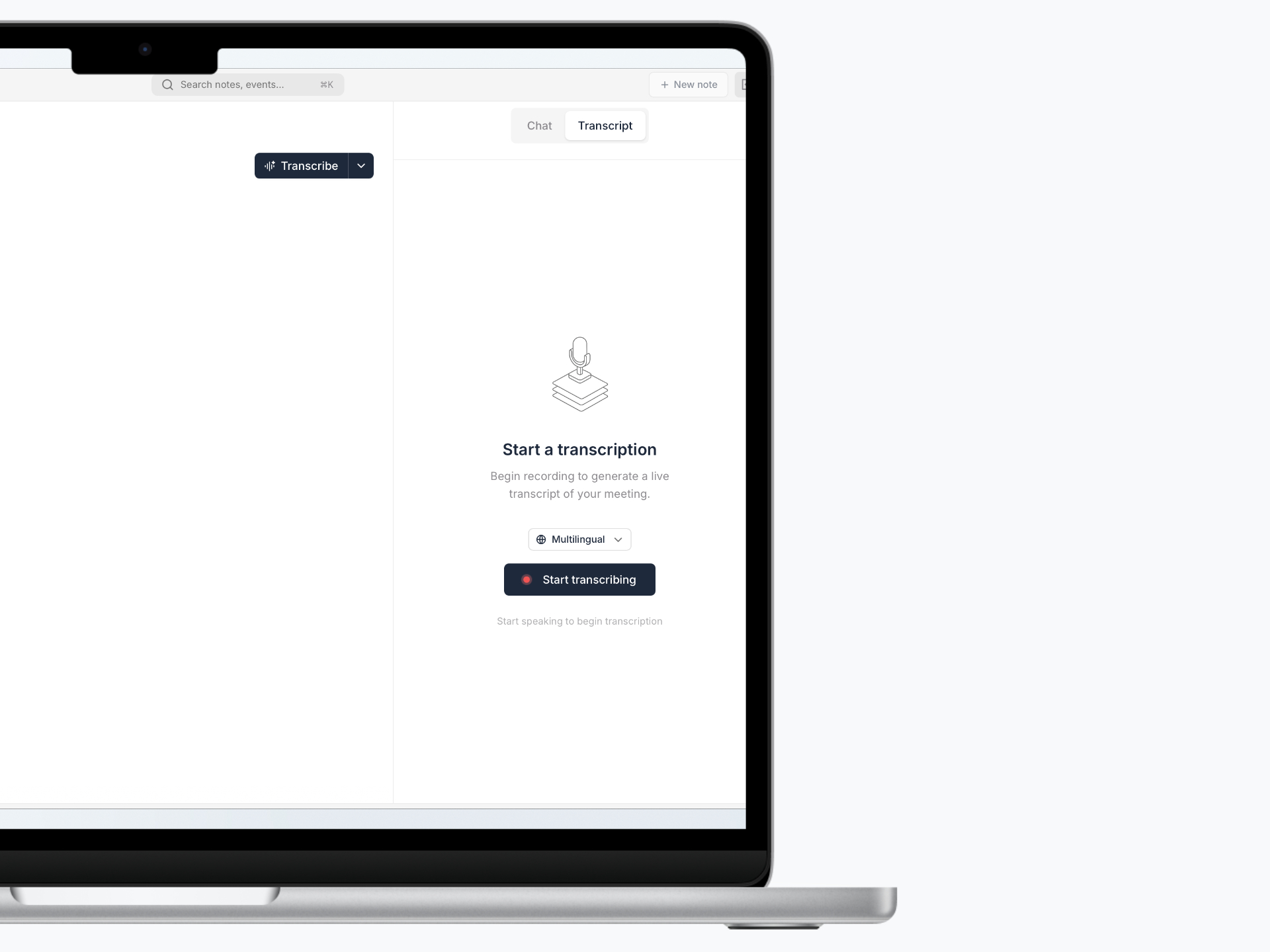
Real-time transcription
Transcribe conversations as they happen, with live captions and no extra participant joining the call.
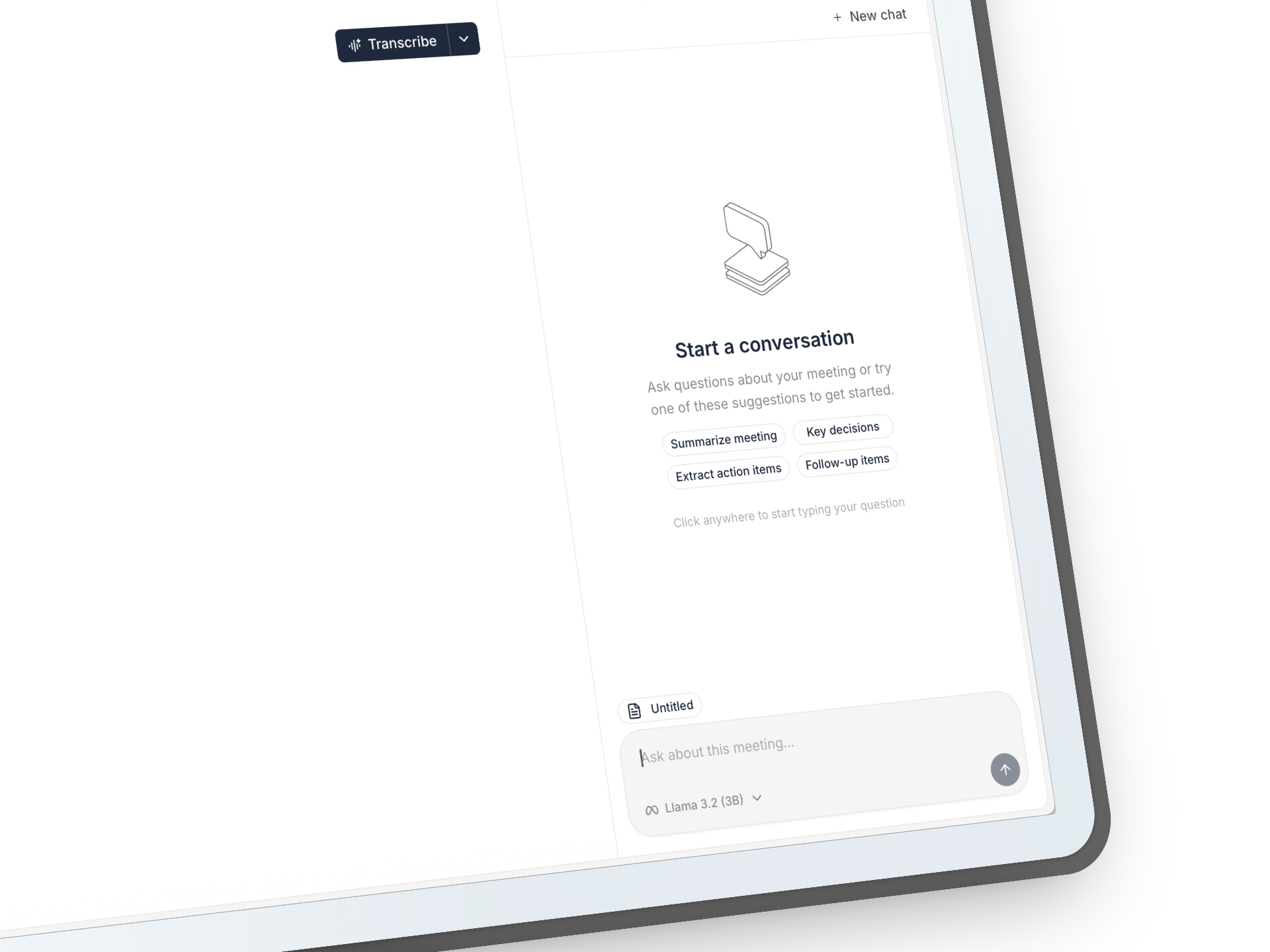
Chat with notes and projects
Ask for decisions, owners and details from a meeting, or bring related notes together in a project and ask across them.
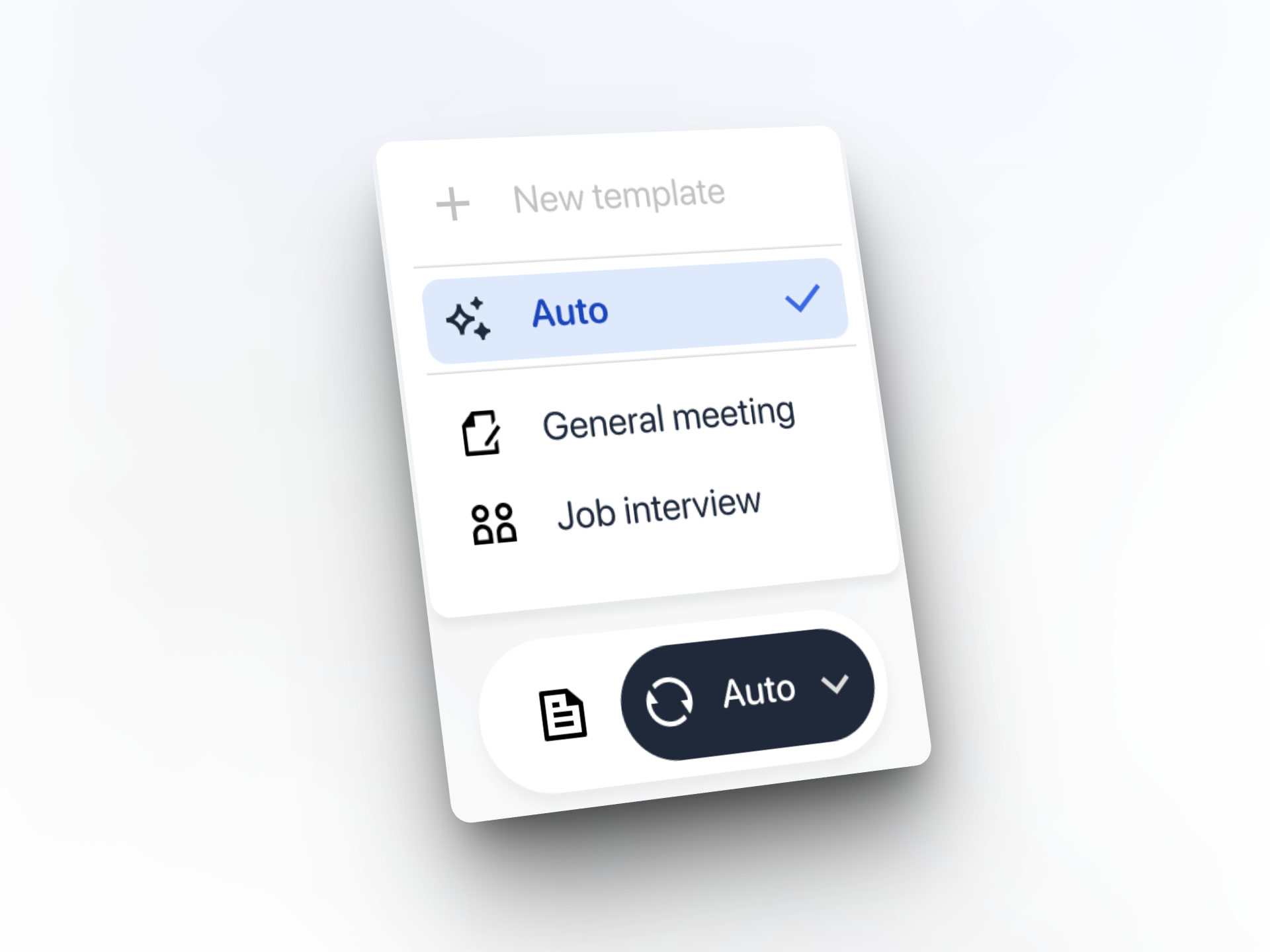
Smart summary templates
Interview summaries, meeting notes, sales calls, and more. Formatted professionally with one click.
Your choice of AI models
Run local models on Mac, or connect your own transcription and chat providers. Cloud usage follows your provider’s pricing and privacy terms.
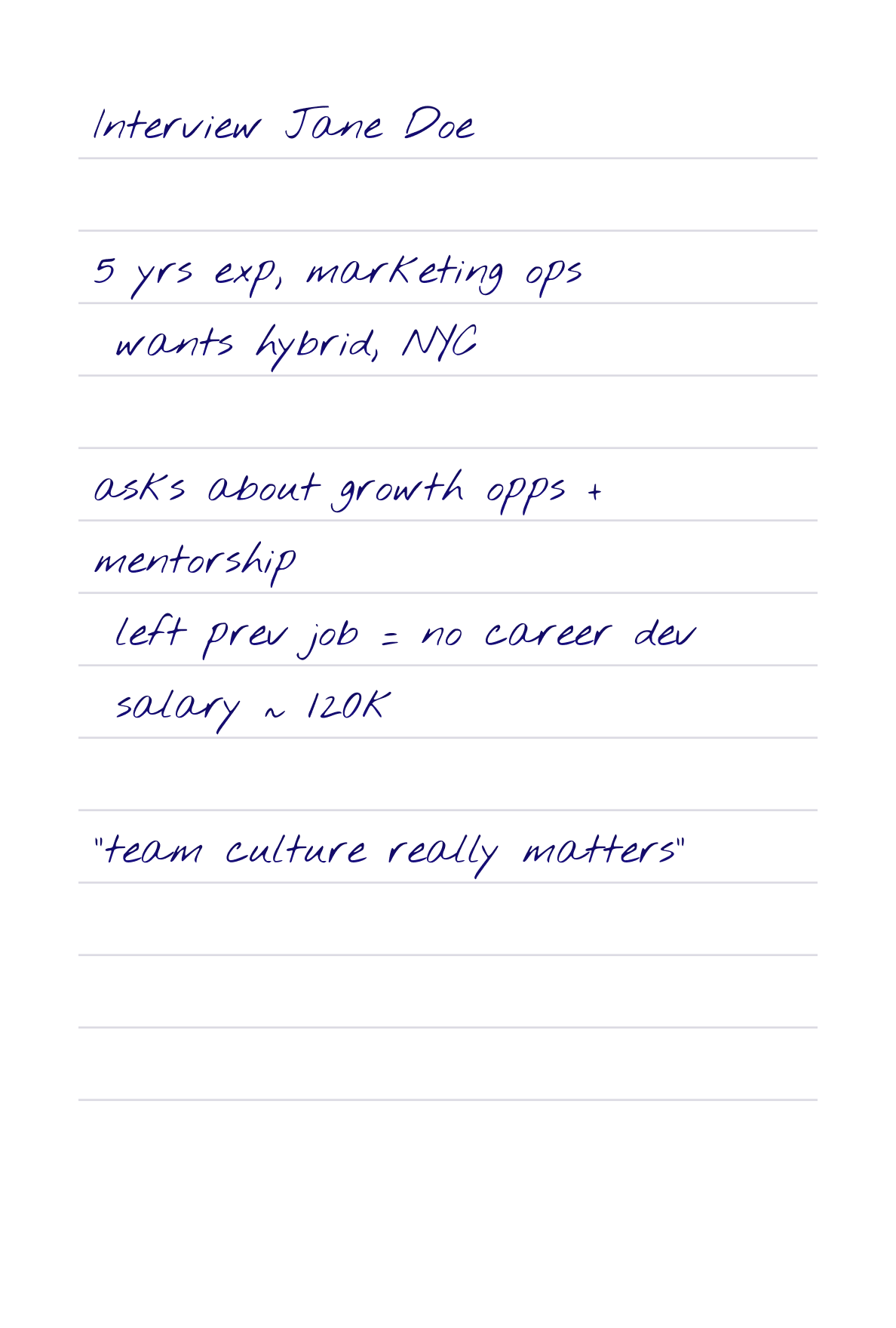
Transcribe audio after the meeting
Bring in saved audio files and turn them into the same clean notes, summaries, and transcripts.
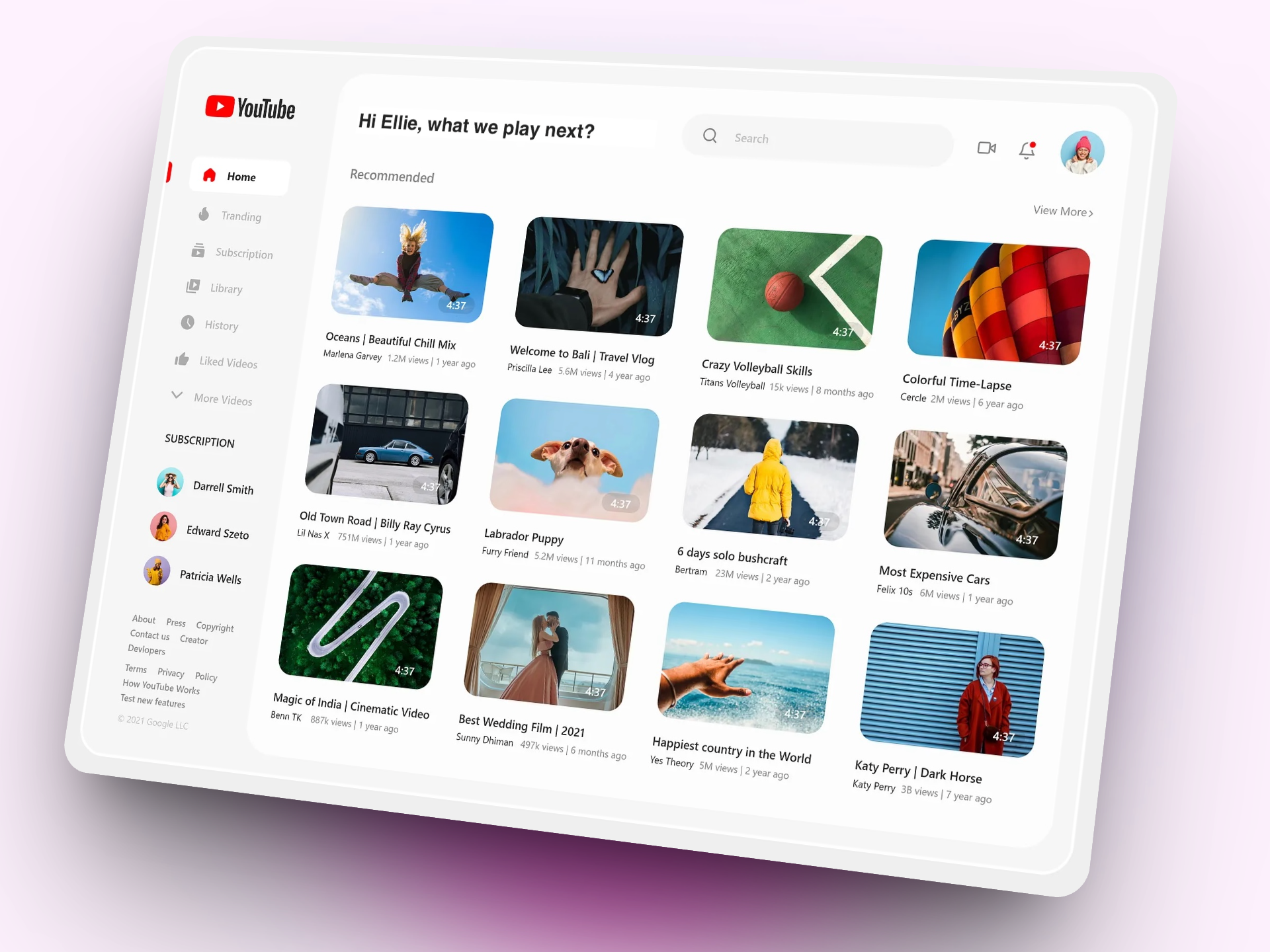
YouTube videos to notes
Import a YouTube link to create a transcript and summary, then ask questions about the video.
Your meeting notes, connected to your AI tools.
Typr includes an MCP server for finding meetings, reading transcripts and retrieving summaries by project or tag. The built-in connection flow is for Claude Desktop. Other clients need manual setup; wider client setup is not built into Typr yet.
MCP setup and sourceBudget follow-up with Claude
I found the relevant Typr notes from your budgeting meetings. The latest decision was already agreed, so you do not need to reopen the whole thread.
Finance approved the revised Q3 hiring envelope.
Maya owns the final budget table and said she would send it before Friday.
The team agreed to review contractor spend again after the next forecast.
You can reply with a clean summary, or ask me to draft the follow-up for Finance.
Connecting an AI tool gives it access to meeting context through MCP. Content it retrieves may be sent to its AI provider.
Open by design
Free software. Your choice of AI.
Use Typr without a subscription or an account. Read the code, report a bug or help build what comes next.
The app is free
Meeting notes, summaries, projects and chat are part of the open source app. There is no Pro tier or Typr meeting-minute allowance.
Local AI on Mac
Download supported models and transcribe, summarize and chat on your Mac. After the models are downloaded, local processing works offline.
Bring your own keys
Use your own transcription and chat providers on Mac or Windows. Your provider may charge for usage and receives the content you send to it.
A free, open source alternative for meeting notes
Considering Granola or Wispr Notetaker? Typr offers another way to capture conversations, summarize decisions and ask about past meetings, with notes stored on your computer and a choice of AI providers.
Feature sets and integrations differ. Typr focuses on desktop meeting notes; it does not replace system-wide dictation.
Common questions about Typr
Keep the conversation useful.
Your notes, ready for what comes next.
Download Typr for free. Choose your models, capture the details and find the decisions later.
macOS 14.2+ · Apple Silicon or Intel · Windows x64 uses your cloud API keys
Open source under GPL-3.0. No account or Typr subscription required.